

Whenever the Comparison – Include Summary option is checked, a 2-Page Summary Report is printed along with all the selected Comparison reports. In addition, the Summary Report containing the resulting totals of each individual numbered Comparison report is saved for later recall.
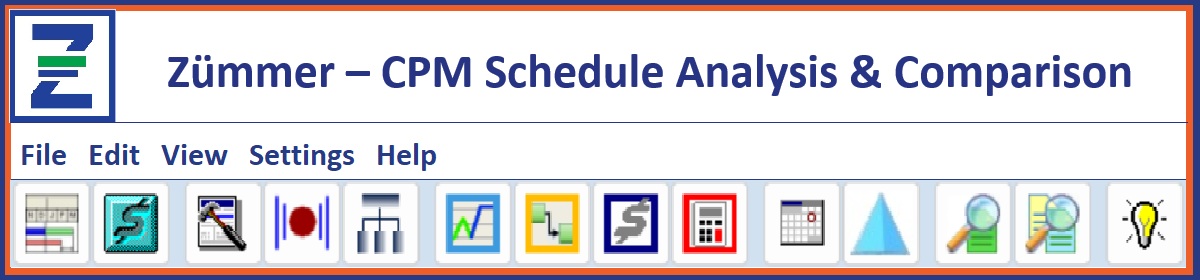
The Schedule Comparison Summary Module is accessible by clicking on the Toolbar Command Button Shown below:

Each individual Comparison Summary is identified by a unique 6 digit “Series ID”. The prefix “SC” is used to designate a series run for Schedule Comparison. The remaining 4 digits is a unique name created from the system date and system time.
Every Schedule Comparison series run can be accessed from the Schedule Comparison Summary Module.
In the illustration above, a series run for Project ID MST-BL1 comparison to MST-BL1-UP01 designated ‘SCV802’ was created on 27-Jun-16 at 08:48. From the History Tab, the Schedule Comparison Summary Report can be reprinted containing the totals for each Comparison report printed for that Series.
Selecting the Excel Export option prints a spreadsheet format of the Series information. The Variance Tab allows any 2 Comparison series to be compared. The Item History Tab allows individual reports to be printed. The Item History Tab allows a more detailed trend analysis by grouping comparison line items across multiple Comparison Series runs.
Copyright ©2020 FoxQuest Systems, Inc. – All Rights Reserved